
Autosave publishing flow
Your draft progress is saved as you go—no more lost work when you switch devices.
See it in action
Watch how the Composer saves your work while you upload, caption, and configure each post.
Your upload progress is saved automatically. No more lost work.
Autosave
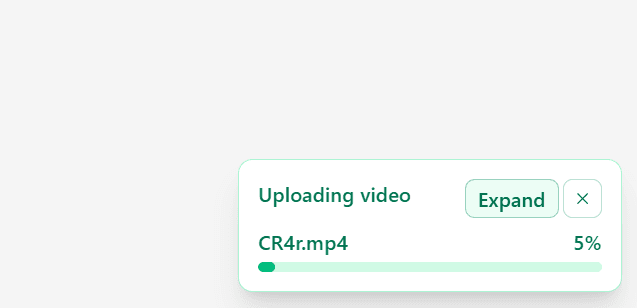
Want to keep working as your file uploads? No problem, close the composer and upload continues in the background
Start an upload, step away, or close the Composer—Hivra keeps transferring your file and restores your session when you come back.
Drafts
No worrying about lost work, the composer autosaves your post as a draft so you can work on it later
Captions, account selections, and per-platform settings are saved as you type—pick up exactly where you left off from Drafts in the Library.
Get Started For Free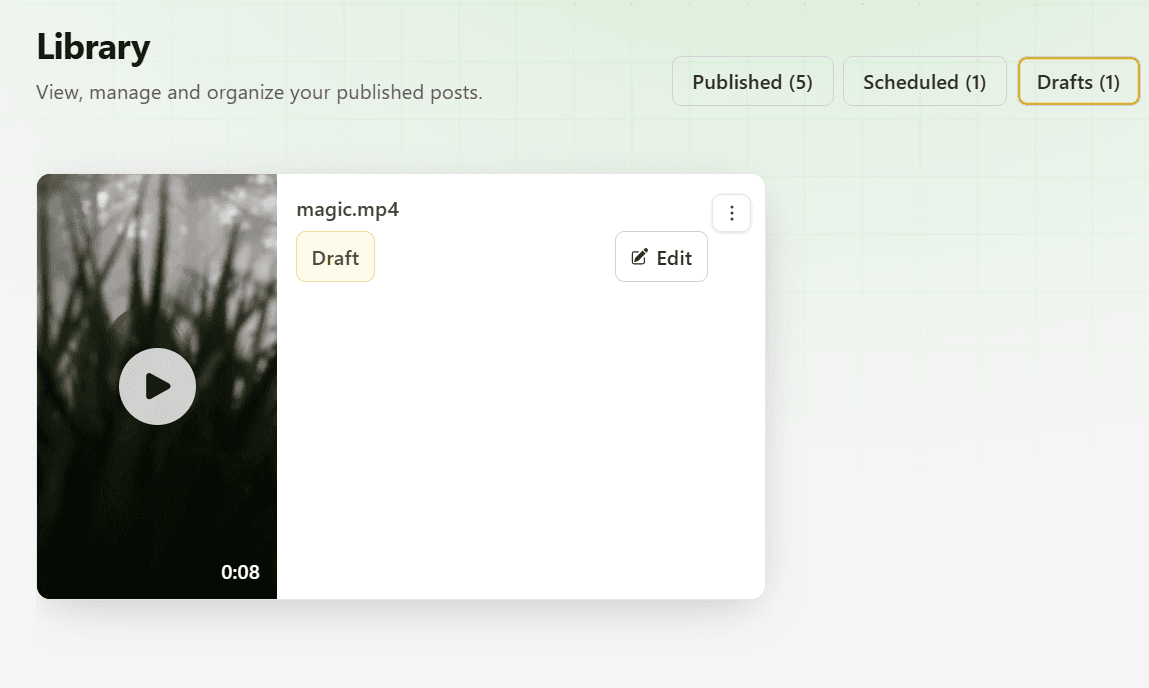
Frequently asked questions
Drafts are tied to the active workspace and stored locally in your browser for the Composer session, with Library visibility for jobs you have not finalized.
Resources