For Small Business Owners
Stay visible on social with less time spent posting, scheduling, and chasing replies.
Bulk Uploads
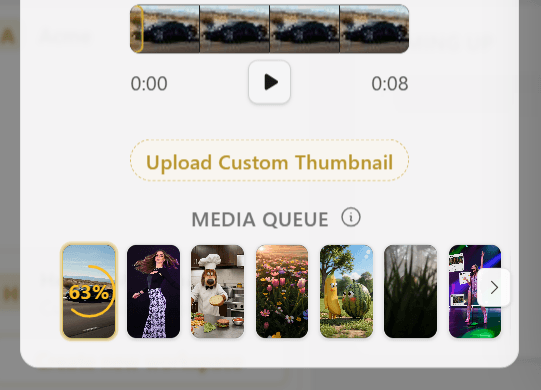
Upload up to 10 videos at once
Drag and drop multiple MP4 or MOV files into the Composer, then switch between clips to set captions, thumbnails, and destinations before you publish or schedule the whole batch.
Scheduling
No need to log in for every publish. Schedule your posts in advance
Pick a date and time for each clip and Hivra publishes automatically in your local time zone—set your calendar once and let posts go live without you.
Get Started For Free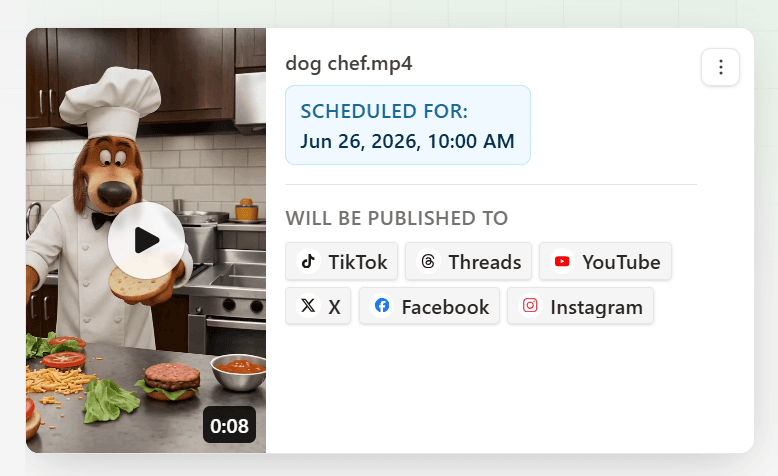
Autosave
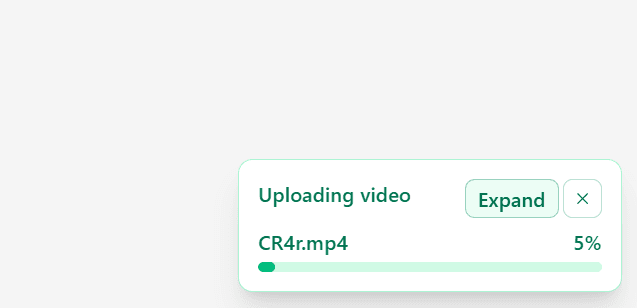
Want to keep working as your file uploads? No problem, close the composer and upload continues in the background
Start an upload, step away, or close the Composer—Hivra keeps transferring your file and restores your session when you come back.
Drafts
No worrying about lost work, the composer autosaves your post as a draft so you can work on it later
Captions, account selections, and per-platform settings are saved as you type—pick up exactly where you left off from Drafts in the Library.
Get Started For Free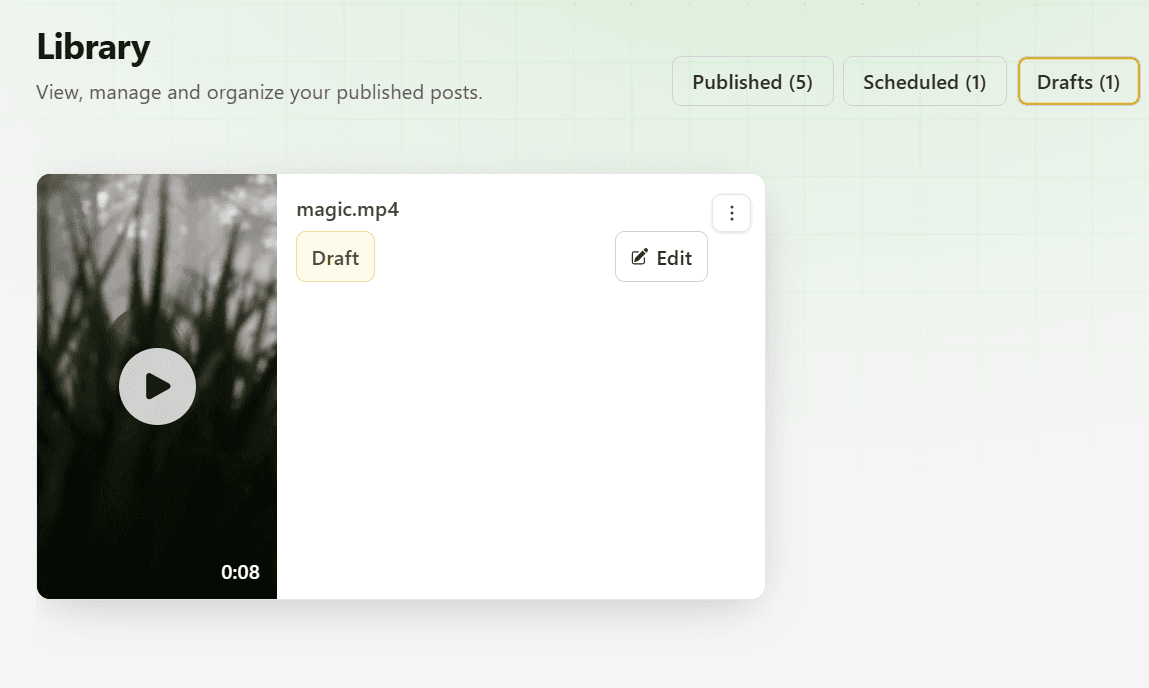
Overview
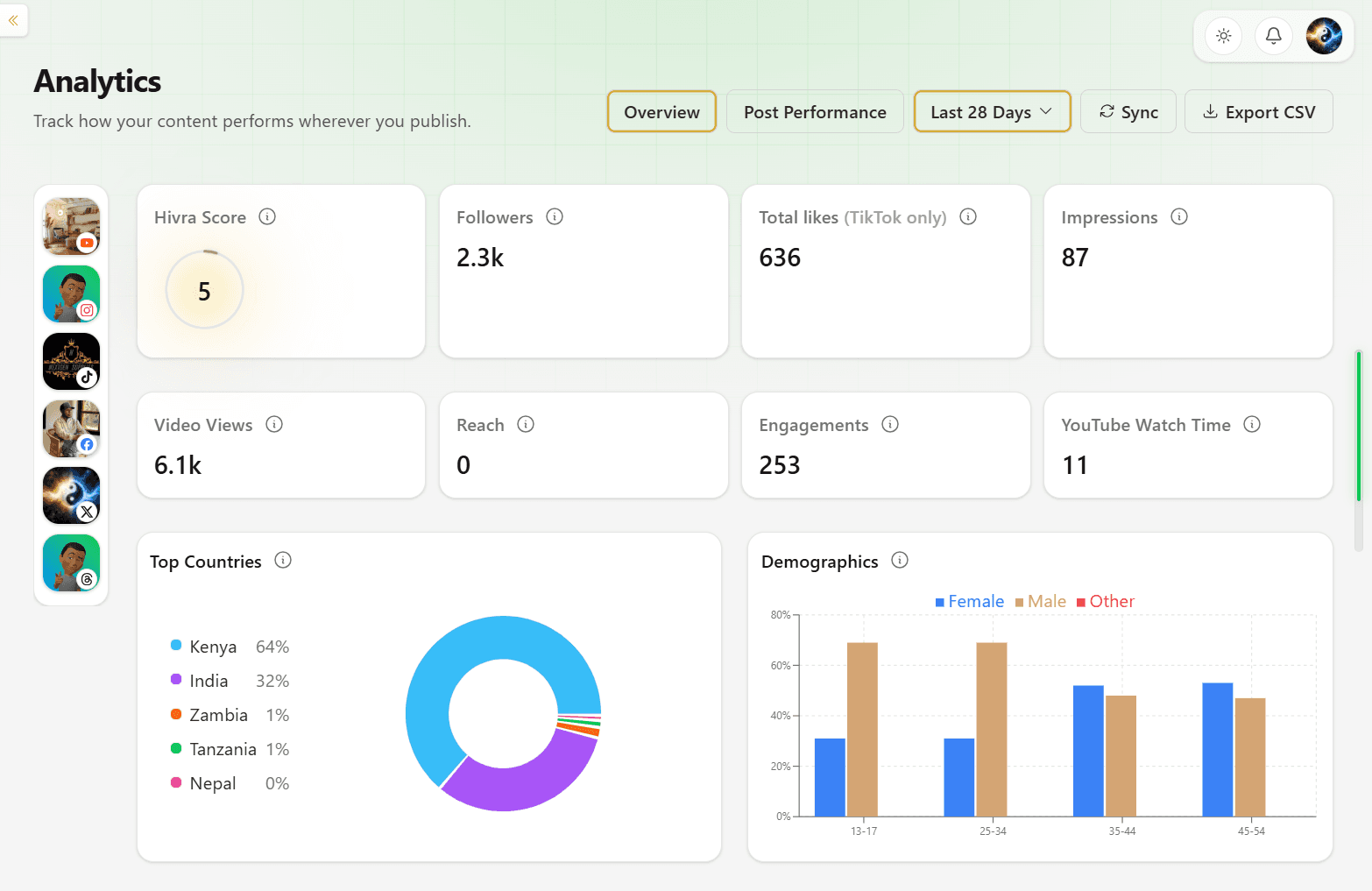
Get a quick snapshot of overview metrics across all connected platforms
See reach, engagement totals, follower growth, and your Hivra Score in one dashboard—filtered by account and date range without opening native apps.
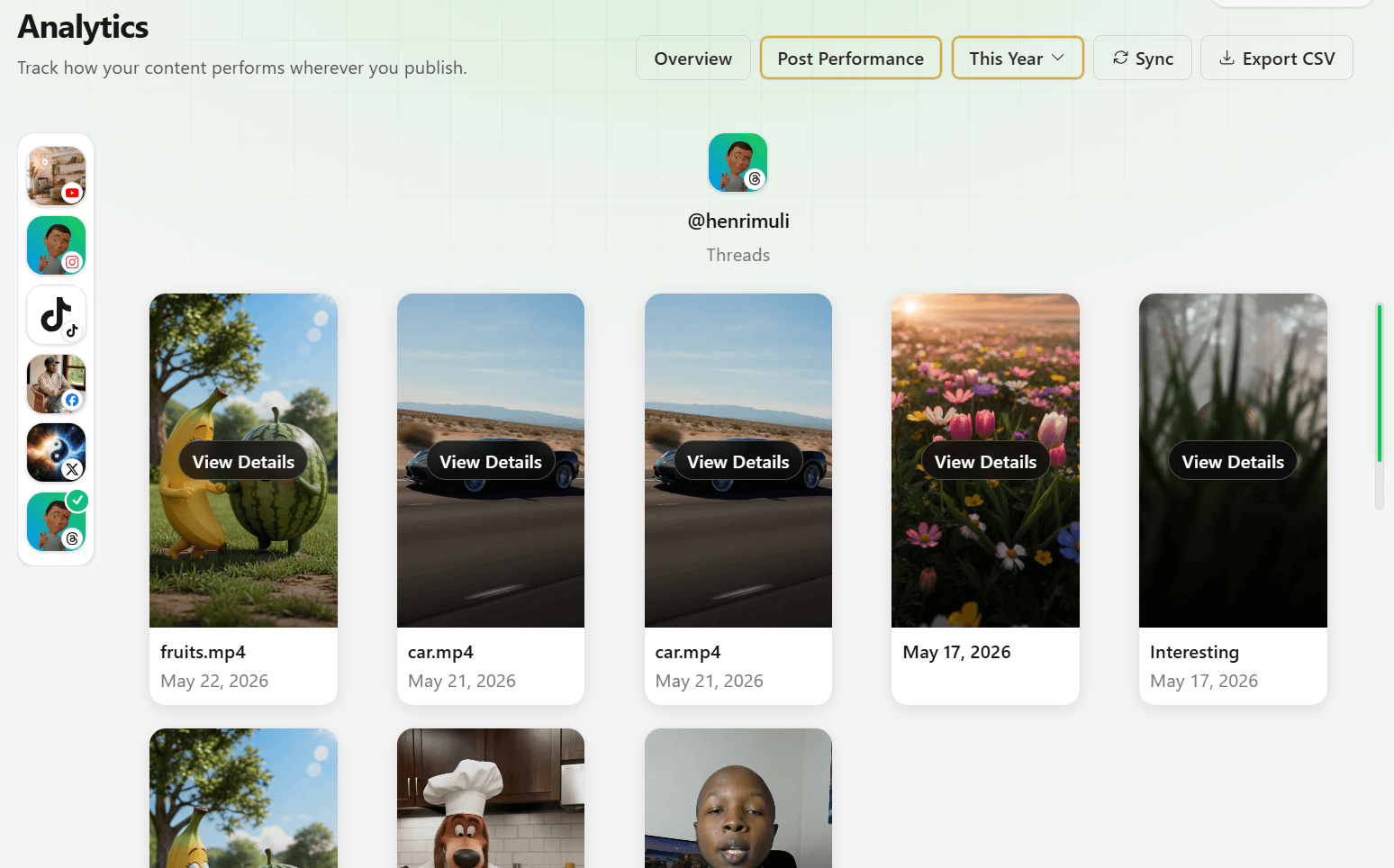
Post-Performance
Analyze per-post performance metrics to see what's working and where to double down
Drill into individual posts to compare views, likes, comments, and shares side by side—then open View Details on any clip to spot your top performers.
Get Started For Free