
Captions & thumbnails
Set a default caption for all platforms, then customize per network when requirements differ.
See it in action
Watch how baseline captions, per-platform overrides, and thumbnails work in one flow.
✨ One baseline, per-platform when needed
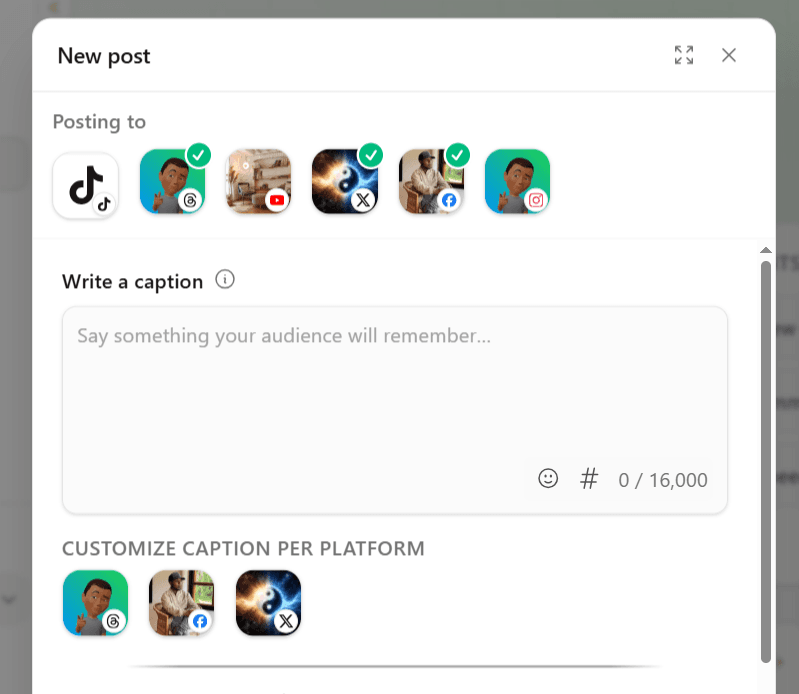
Write a default caption once, then open any platform tile to override copy, hashtags, or settings only where that network differs—without retyping everything six times.
Captions
Set a default caption then customize per-platform where needed
The main caption field is your baseline for every selected account—open a platform tile to override copy or hashtags for that network only, with live character counts in each drawer.
First Comment
Set a default first comment then customize per-platform where needed
Add a first comment alongside your caption where the platform supports it—set a default once, then tweak per network in each platform tile without rewriting the rest.
Get Started For Free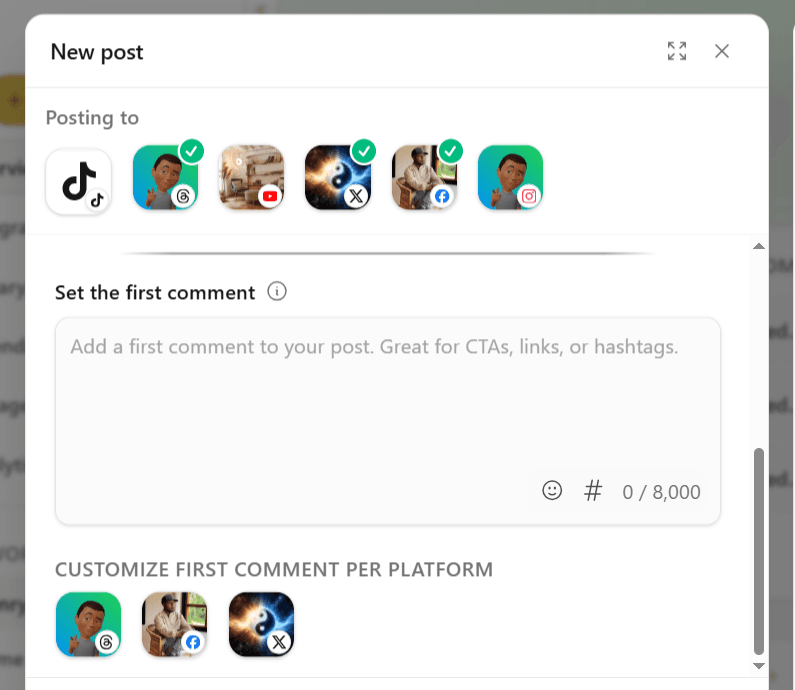
Thumbnail
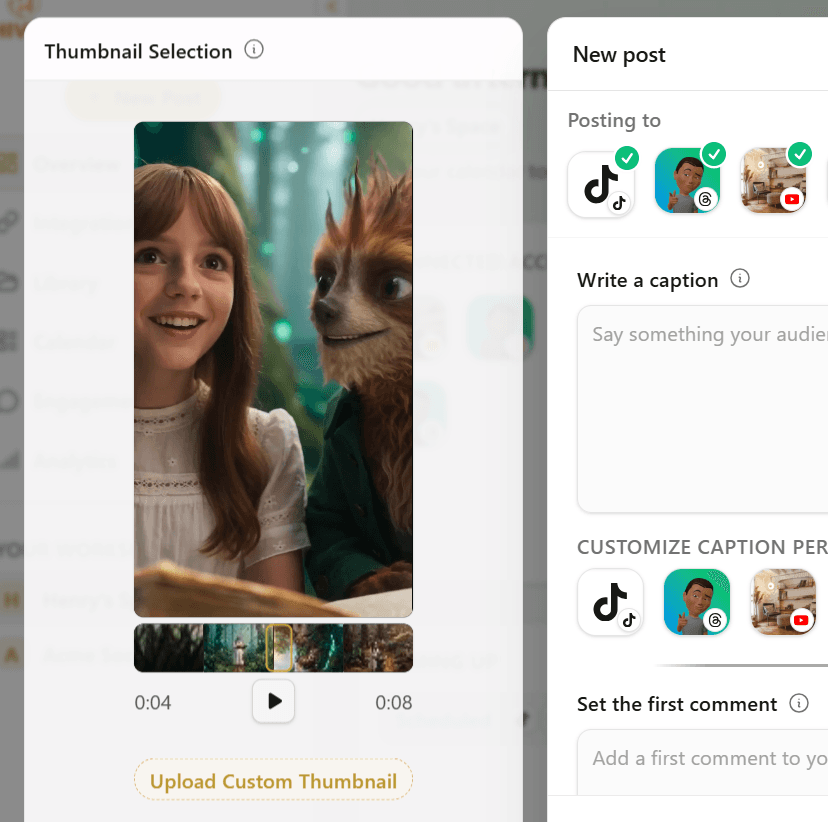
Set a thumbnail to be used across all platforms
Scrub the timeline, pick a frame, or upload a custom cover—Hivra applies your selection everywhere the connected platform's API allows it.
Frequently asked questions
Each platform enforces its own maximum caption length. Overrides in a platform drawer replace only that network's copy—the baseline remains for everyone else.
Resources